
Weke Hosting
Track provisioning, deployments, and service health from one surface
Weke Hosting gives operators visibility into provisioning state, deployment targets, capacity, and service health before the next infrastructure change ships.
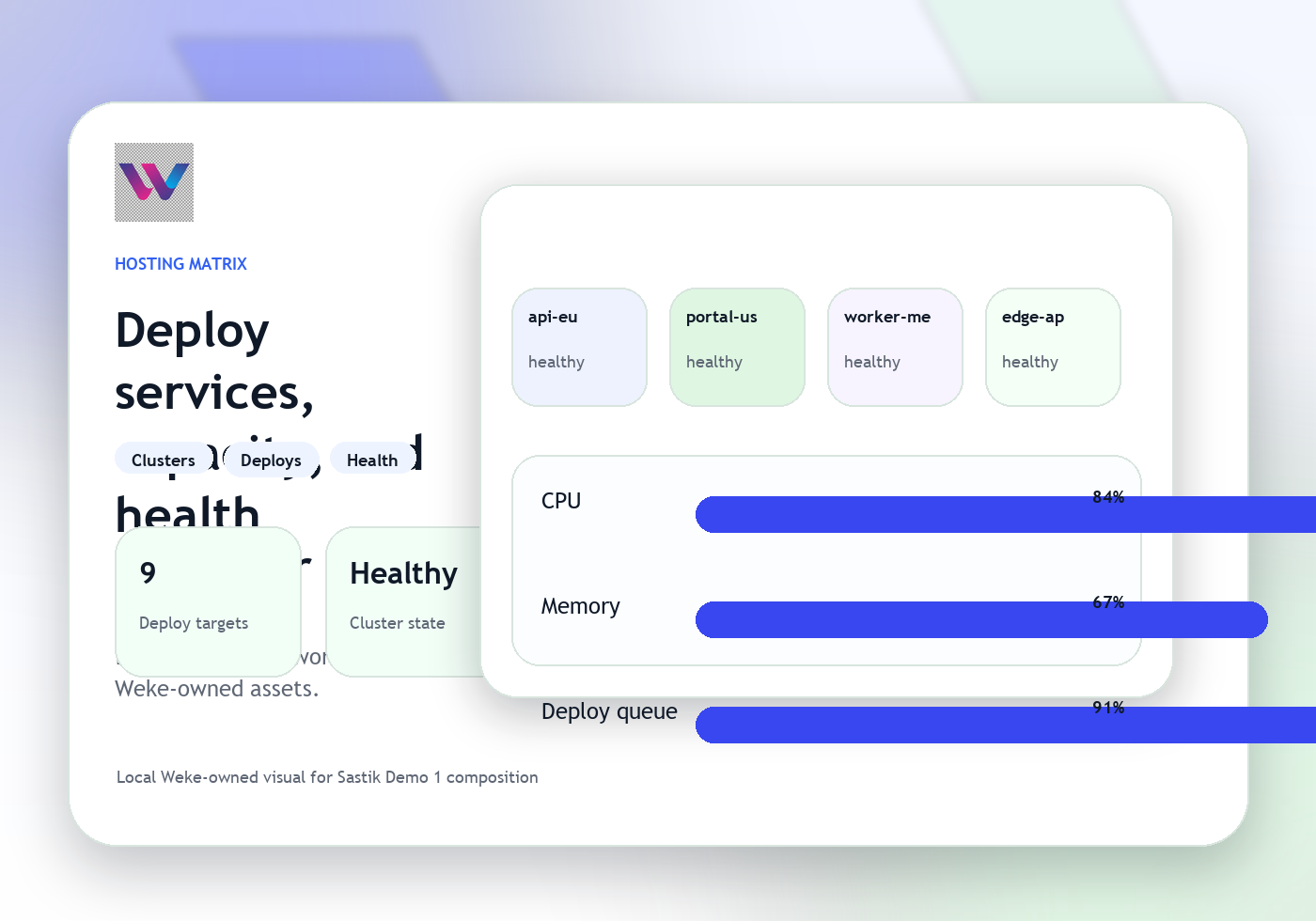
Keep deployment and capacity context attached
Route the next infrastructure action quickly
Weke Hosting
Weke Hosting Features
Review the workflows, controls, and day-to-day operating detail behind Weke Hosting for provisioning state, deployment flow, capacity review, and infrastructure coordination.
See provisioning and environment state in one place
Operators can review what is being prepared, what is already live, and where an environment still needs attention before launch.
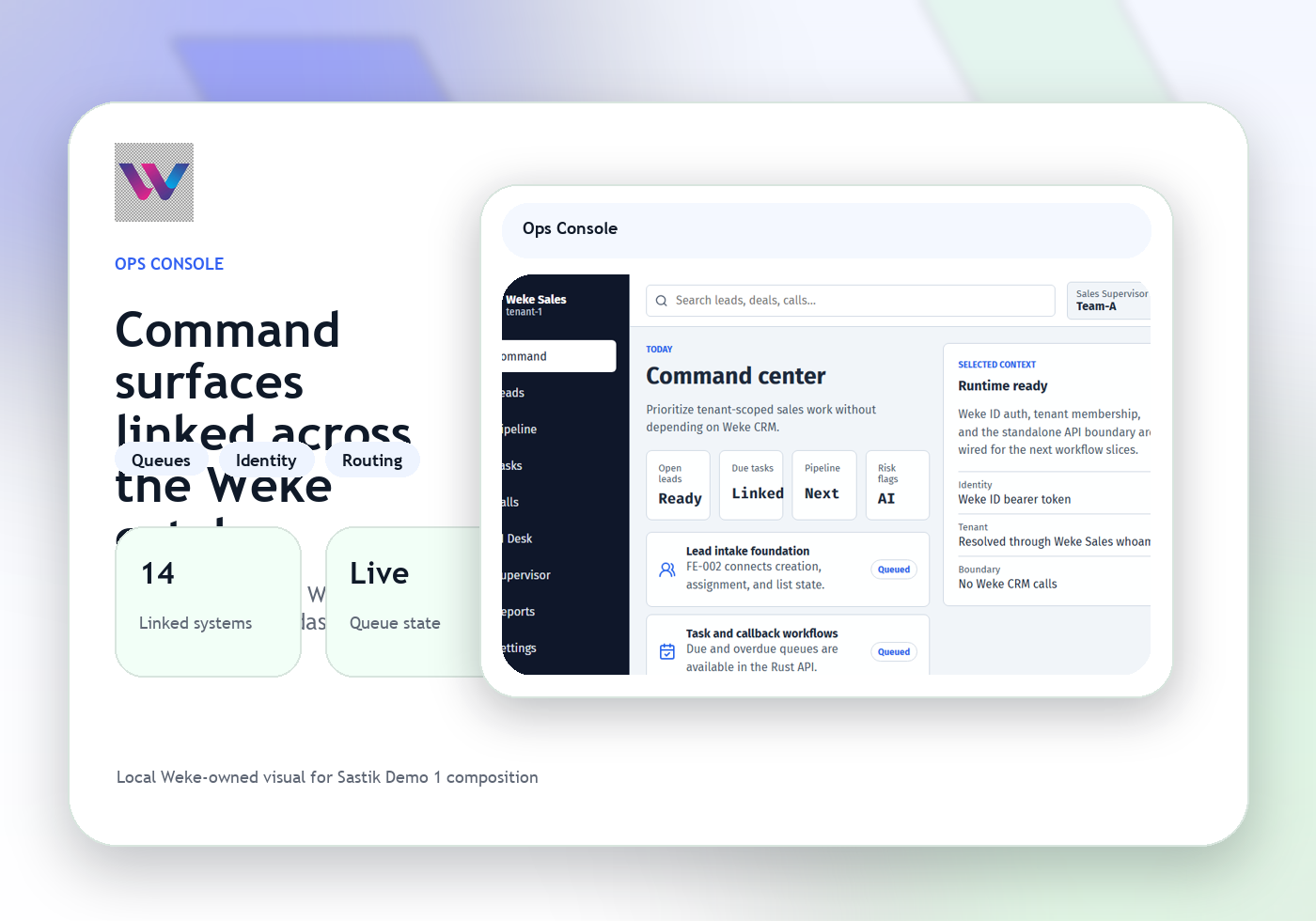
Keep deployment and capacity context attached
Hosting ties rollout notes, environment health, and capacity signals together so teams do not miss a dependency.
Route the next infrastructure action quickly
When a service needs console review, VPN access, or support coordination, Hosting sends the case into the right Weke surface with the environment context.
Weke Hosting
Weke Hosting Workflow
Follow the three operating steps that keep provisioning, deployments, service health, capacity, and infrastructure operations moving.
Open the environment, deployment, and owner
Start with the target environment, deployment state, and operator responsible for the next change.
Check health, capacity, and rollout blockers
Teams verify that the service is ready, healthy, and not blocked by capacity or dependency issues.
Advance the deployment or escalate the issue
The next move becomes a launch, rollback, console action, or support escalation with the same service context.
Track provisioning, deployments, and service health from one surface
Weke ID handles login and registration for Weke Hosting and returns only to https://hosting.wekedev.com/app.